

How to Download Your Purchased Notes & E-Books
Once your payment is completed successfully, you can access and download your files immediately using either of the methods below.
Method 1: Download Directly from the ‘Thank You’ Page
- After completing your payment, you will automatically be redirected to the Order Confirmation / Thank You page.
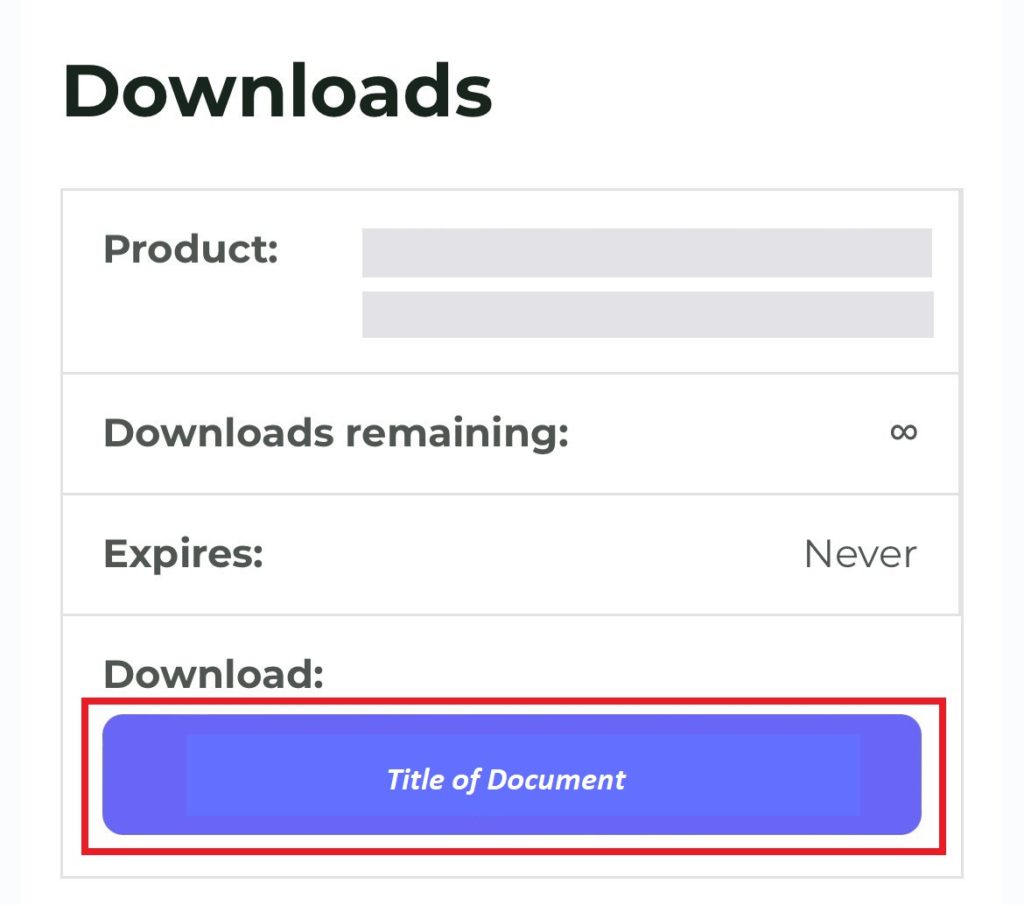
- Scroll down to the Downloads section.
- Click the purple button showing the title of your document to start the download instantly.
Method 2: Download via Email Confirmation
- Open the inbox of the email address you entered during checkout.
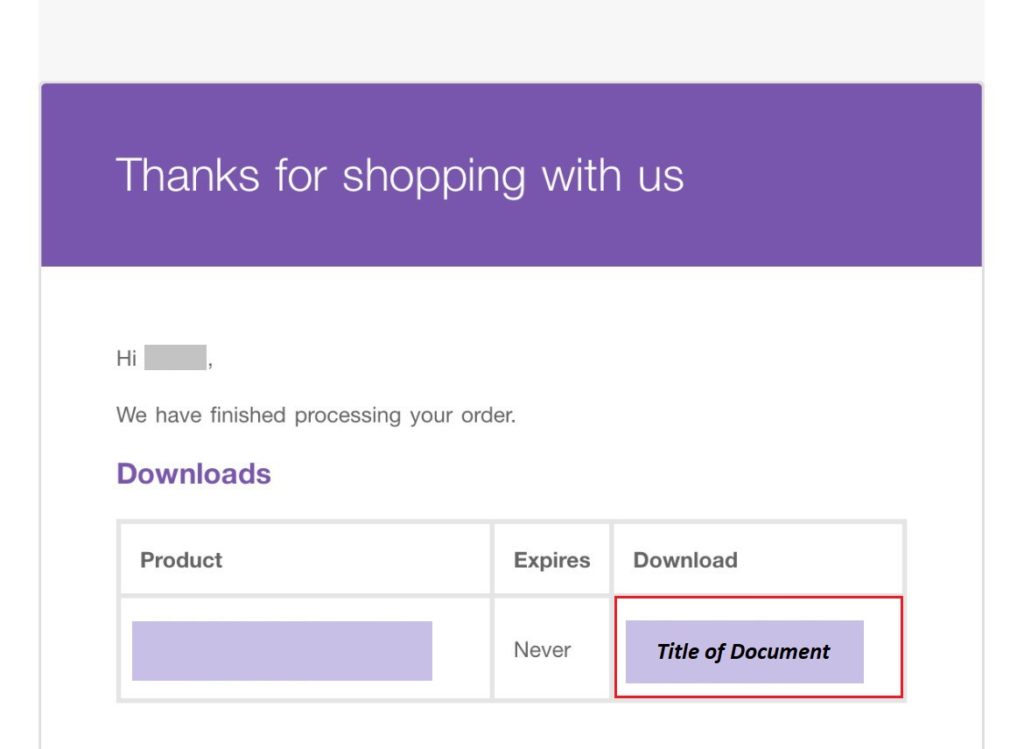
- Look for the order confirmation email from LotusArise Store.
- Inside the email, click the purple download button/link displaying the document title to download your PDF.
Didn’t receive the email within 5 minutes?
- Check your Spam, Junk, Promotions, or Updates folders.
- Ensure there were no typos in the email address entered during checkout.
Need Help?
If you face any issues downloading your files, reach out directly with your payment screenshot and the name of the document(s):
- Email: contact@lotusarise.com
- WhatsApp / Telegram: +91 9005064862